
Choosing the best social media analytics tool is about more than tracking likes and followers. It's about getting the insights you need to grow your business, all in one place, without logging into ten different dashboards.
Marketers and developers both need social analytics, for different reasons. A marketer wants a clean dashboard and a report to send the client. A developer wants the numbers inside their product, in a predictable shape, without wiring up 16 native APIs by hand. This guide covers both.
Below you'll find 10 social media analytics tools, what each is best for, real 2026 pricing, and the honest limitation of each. Then a plain-English section on what these tools measure and how to track your metrics, plus an FAQ.
Key takeaways
- Dashboards vs. data layer: most social media analytics tools are dashboards you log into. Unified social media APIs like Zernio return normalized metrics you build your own reports on top of.
- Native platform analytics have real gaps: short data retention, no cross-platform view, and no clean export for most metrics. Third-party social media management tools fix that.
- API or MCP access unlocks customization: when you're picking a social media analytics tool in 2026, check whether you can get the data out, not just view it inside the tool. The real value shows up when you connect it to the other tools your team already uses.
What is social media analytics?
Social media analytics is the practice of measuring how your content performs across platforms: reach, impressions, engagement rate, click-through rate, and follower growth. It tells you not just how many likes a post got, but which content works and what to publish next.
Good social media analysis answers a few questions. What are my best-performing content types? When is my audience most active? Which platform drives real traffic? When is the best time to post?
Analytics vs. reporting: what's the difference?
Analytics is the measurement. Reporting is the packaging. A social media analytics tool collects and interprets the data. A social media reporting tool turns that data into a shareable format, like a client PDF or a live dashboard link (or artifact, since we're living in the era of agents). Most tools on this list do both. A few specialize in one.
The four things social media metrics measure
- Awareness metrics (reach, impressions) show how many people saw your content.
- Engagement metrics (likes, comments, shares, saves, engagement rate) show how they reacted.
- Traffic and conversion metrics (clicks, CTR, conversions) show what they did next.
- Audience metrics (follower growth, demographics, active times) show who they are.
Track all four and you can connect a post to an outcome.
Analytics tools vs. management tools vs. analytics APIs
There are three categories here, and mixing them up is why people overpay.
A social media analytics tool measures performance. A social media management tool (like Buffer or Hootsuite) bundles analytics with scheduling and engagement, so you publish and measure in one place. A social media analytics API (like Zernio) skips the interface entirely and delivers the raw, normalized metrics to your own software, so your product or your AI agent can act on them.
If you're a creator or a small team, a management tool with built-in analytics is usually the right call. If you're building a product that needs social data inside it, you want the API.
The 10 best social media analytics tools
Here's the quick version, then the details.
| Tool | Best for | Free tier | Starting price | API access |
|---|---|---|---|---|
| Zernio | Analytics API / data layer for apps & agents | 2 accounts free | $6/account, drops to $1 at scale | Full REST API + MCP |
| Buffer | Creators and small teams | Yes (3 channels) | $6/channel/mo | Limited |
| Rival IQ | Competitive benchmarking | No (14-day trial) | $239/mo | On top tier only |
| Keyhole | Hashtag & campaign tracking | No (14-day trial) | ~$179/mo | Add-on |
| Social Status | Free reporting for individuals | Yes (1 social profile) | $9/mo | Higher tiers |
| Sprout Social | Enterprise dashboard | No | $199/seat/mo | Enterprise |
| Hootsuite | Multi-network management + analytics | No | $99/mo | Enterprise |
| Iconosquare | Instagram-first analytics | Yes (limited) | ~$33/mo | Higher tiers |
| Lumen by Talkwalker | Social listening at scale | No | Custom (enterprise) | Yes |
| Semrush Social | Teams already on Semrush | Trial | ~$20-40/mo add-on | No |
1. Zernio – best social media analytics API
Zernio is the best social media analytics tool when you don't need another dashboard, but you need the analytics data layer. If you're building a product, an agency tool, or an AI agent that needs social performance data, Zernio gives you access to 15 social media tools through one API.
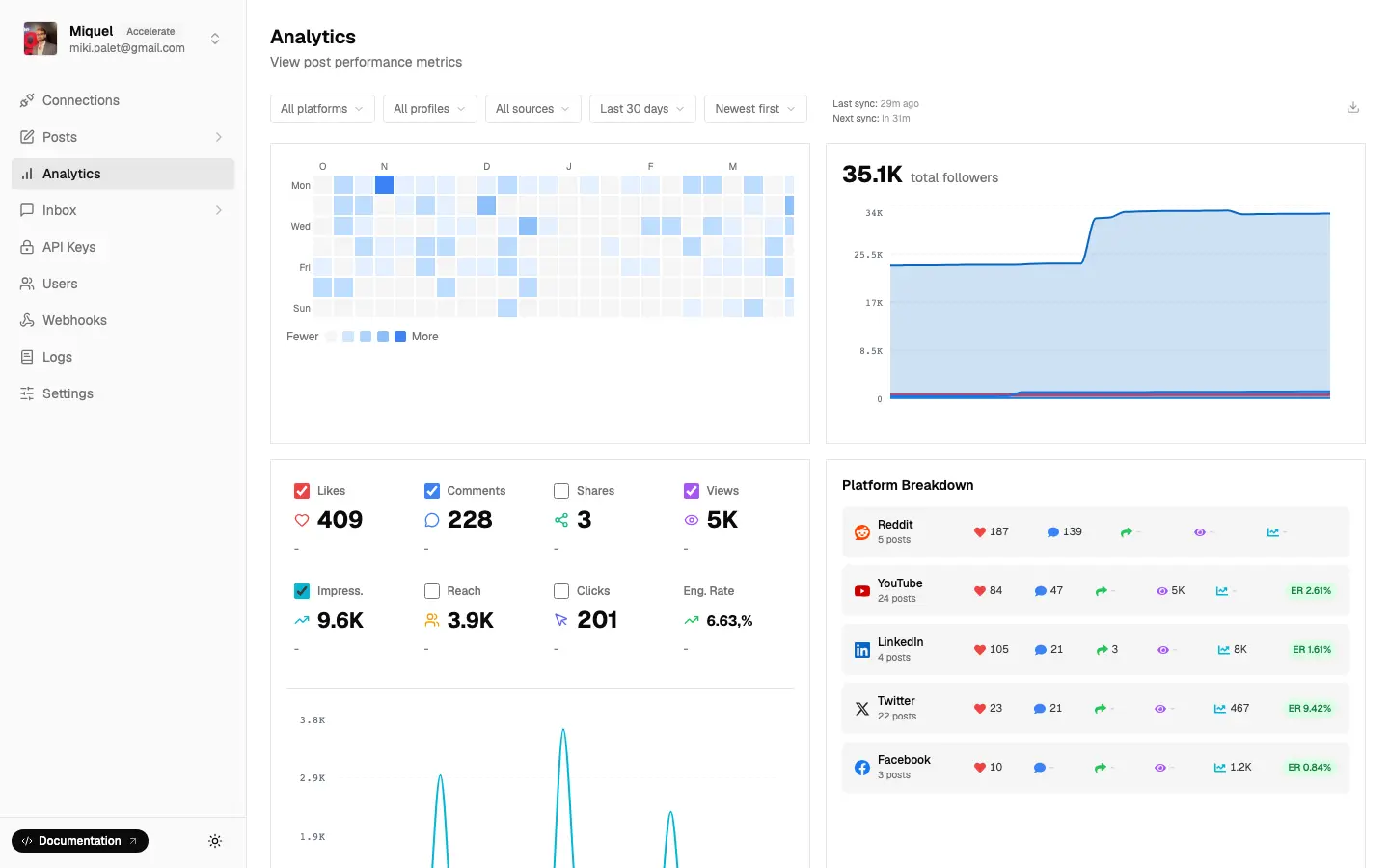
Here's the core idea. Engagement, reach, and follower metrics come back in the same shape no matter which platform they came from. Instagram, TikTok, LinkedIn, X, YouTube, and the rest all return a consistent structure, so you don't have to normalize five different metric names yourself. From there you decide how reports get built and how they're delivered, whether that's a JSON feed into your app, a scheduled push to a client, or a metric an agent reads before it decides what to post next.
That last part is the piece nobody else on this list does. Zernio ships a hosted MCP server for social media analytics, so an AI agent can run the full loop through one tool server: publish a post, pull the analytics, and boost the winner. That way, analytics becomes an input the agent acts on.
Best for: developers, AI agent builders, and agencies that need social analytics inside their own software.
Pricing: first 2 connected accounts free, then usage-based. $6/account for accounts 3-10, $3 for 11-100, $1 for 101-2,000. Every feature included, no per-seat charges.
Platforms: Facebook, Instagram, WhatsApp, Threads, LinkedIn, X (Twitter), TikTok, YouTube, Pinterest, Telegram, Reddit, Bluesky, Google Business, Snapchat, Discord, and additionally Ads analytics API (Google, LinkedIn, TikTok, Pinterest, X, and OpenAI)
Honest limitation: Zernio is infrastructure. There's no point-and-click reporting screen for a non-technical marketer. If you want to log in and look at a chart, pick a dashboard below. If you want to build on the data, start here.
2. Buffer – best tool for creators
Buffer is a social media management tool with clean analytics built in. It's the easiest free entry point on this list. The platform focuses on core performance metrics, helping users quickly understand what's working and what isn't.
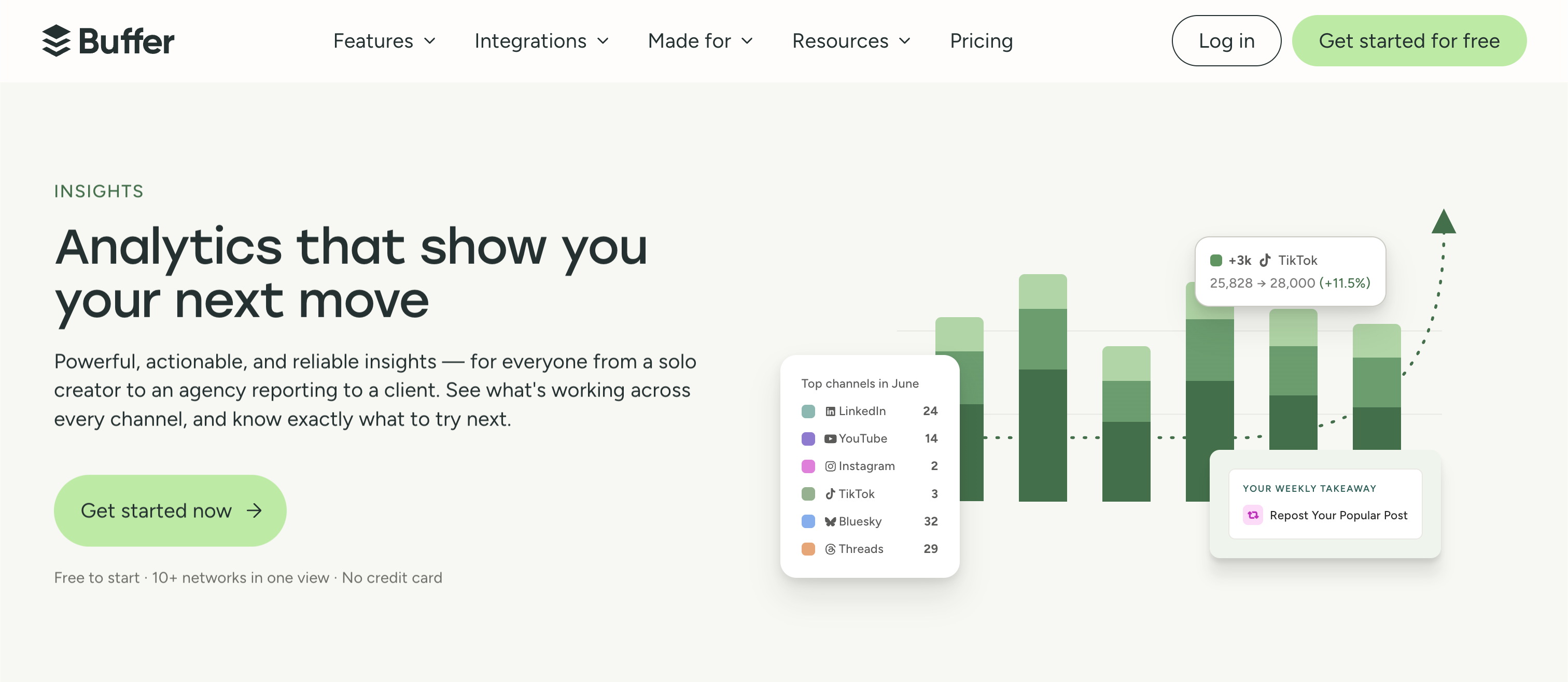
Unlike developer-centric tools, Buffer provides an out-of-the-box solution where analytics are tightly integrated with the scheduling workflow. After publishing posts, users can immediately track engagement, reach, and audience growth within the same interface.
The free plan connects 3 channels and gives you basic analytics, which is plenty for a solo creator getting started.
Best for: creators and small teams who want scheduling and reporting in one tool.
Pricing: Free (3 channels). Essentials $6/channel/month. Team $12/channel/month.
Platforms: Instagram, Facebook, X, LinkedIn, TikTok, YouTube, Pinterest, Threads, Bluesky, Mastodon, Google Business Profile.
Honest limitation: per-channel pricing adds up fast once you're managing many accounts, and the analytics are lighter than a dedicated tool like Rival IQ.
3. Rival IQ – best for competitive benchmarking
Rival IQ is built to compare you against competitors. It pulls your metrics next to theirs and shows where you win and lose, which makes it a favorite for agencies pitching new business.
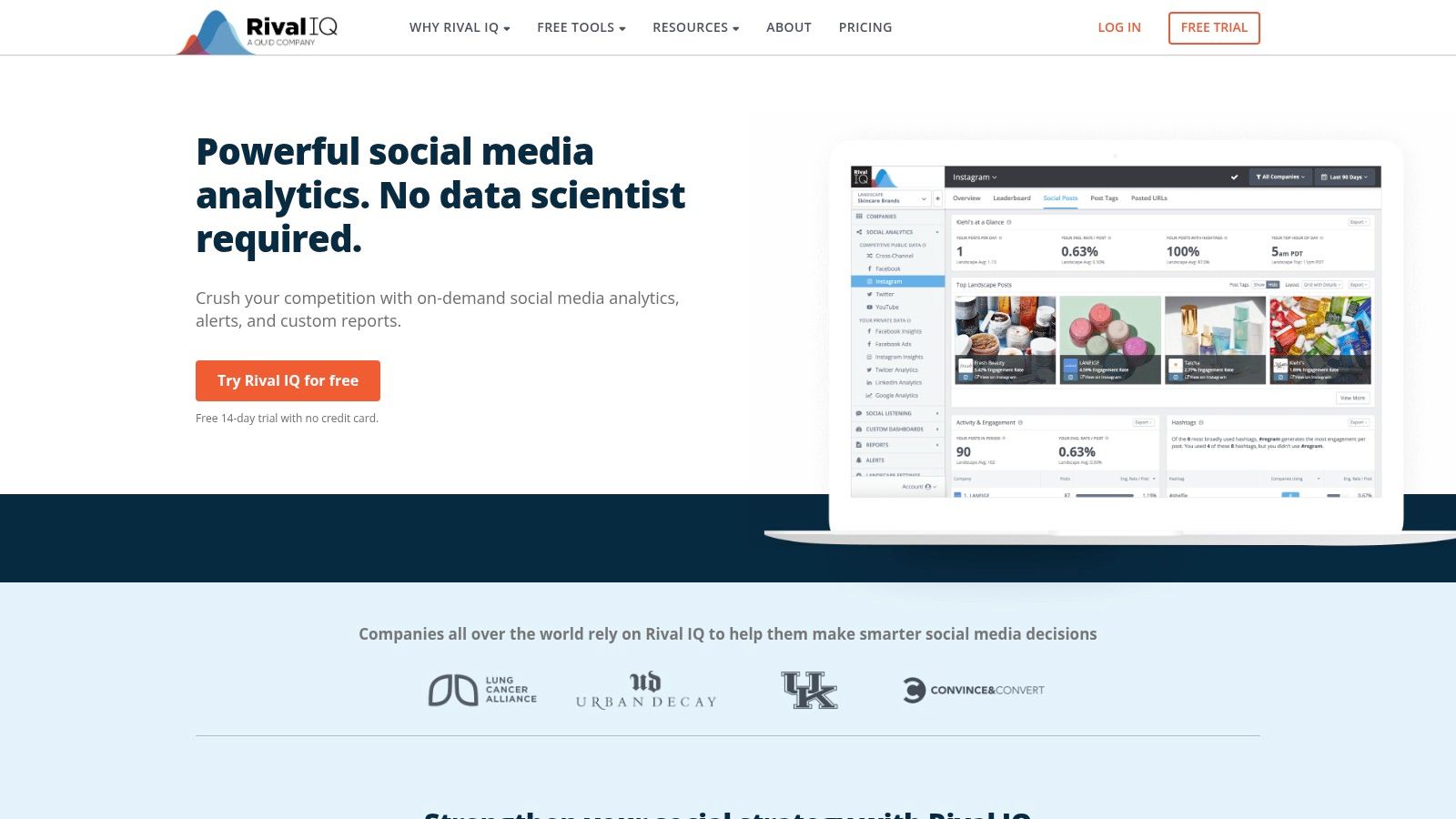
You can easily track competitors' top-performing content, posting frequency, engagement rates, and audience growth across all major social networks. Its automated, presentation-ready reports save significant time for agencies who regularly present findings to their clients or stakeholders.
Best for: competitive analysis and benchmarking.
Pricing: Drive $239/month, Engage $349/month, Engage Pro $559/month (API access on the top tier). 14-day free trial, no free plan.
Platforms: Facebook, Instagram, TikTok, X, YouTube, LinkedIn, Threads, Bluesky, Mastodon, Pinterest.
Honest limitation: it's one of the pricier options, and API access only unlocks on the $559 tier.
4. Keyhole – best for hashtag and campaign tracking
Keyhole specializes in real-time hashtag, keyword, and campaign tracking. If you run influencer campaigns or event coverage and need to measure a specific hashtag's reach, it's purpose-built for that.
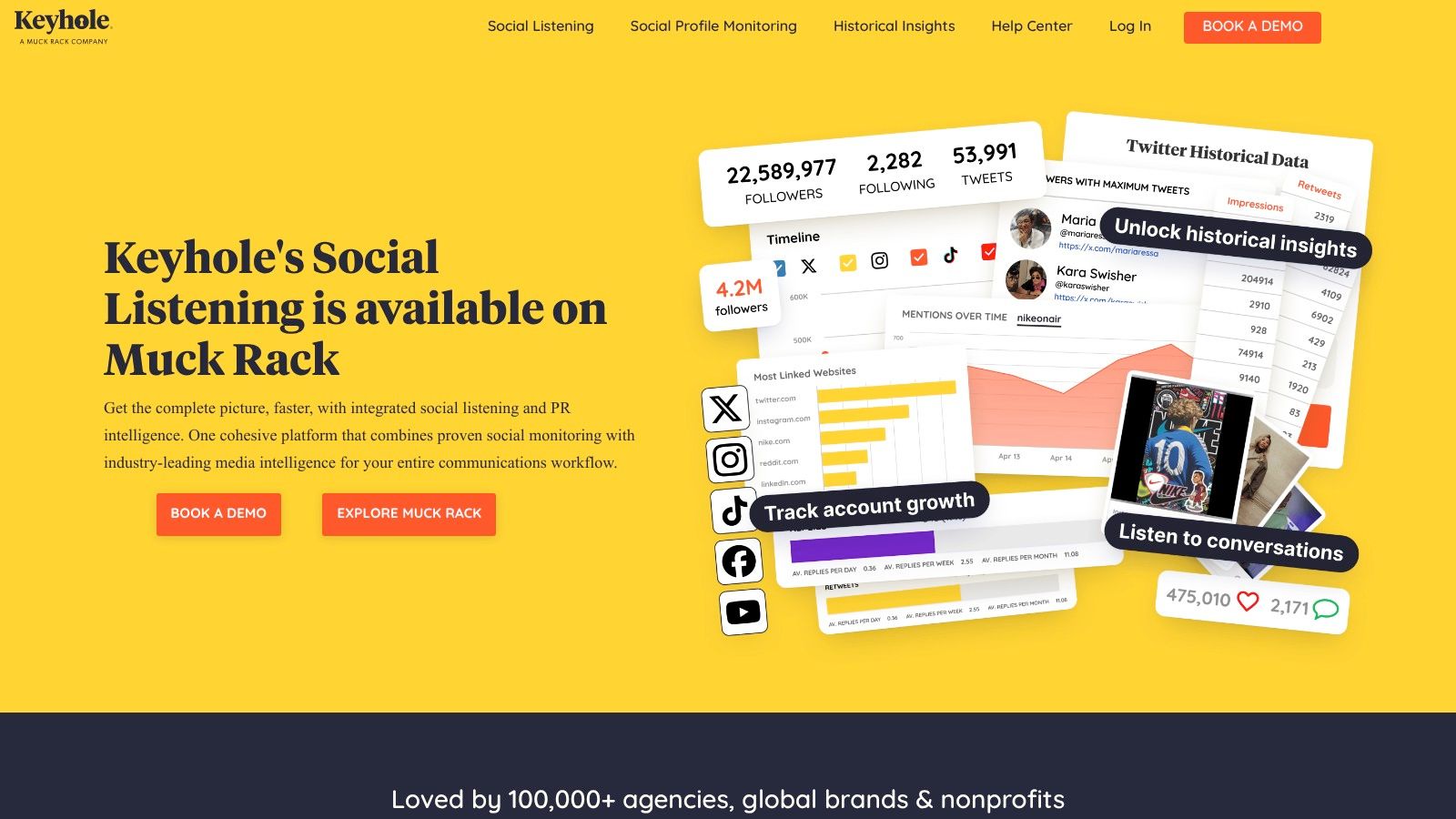
By providing a clear view of how specific topics or hashtags are trending, Keyhole has established itself for event marketing, brand monitoring, and comprehensive campaign analysis. Its blend of analytics and social listening offers a complete picture of your brand's digital footprint.
Best for: campaign, hashtag, and influencer tracking.
Pricing: from around $179/month. No free plan, 14-day trial.
Platforms: X, Instagram, TikTok, Facebook, YouTube, LinkedIn (limited profile analytics), plus news sites, blogs, and forums for listening.
Honest limitation: narrower than a full analytics suite, and it gets expensive for always-on monitoring.
5. Social Status – best free social media reporting tool
Social Status is one of the few tools left with a free-forever plan, which makes it a strong free social media reporting tool for individuals, if you need to connect just one account.

If you're not looking for a free social media analytics tool, then its core strength lies in its reporting engine, which automates the creation of professional PDF and PowerPoint exports, complete with white-labeling on higher-tier plans. This focus on client-ready outputs saves significant time for agencies needing to demonstrate ROI.
Best for: agencies that need white-label reports without a big spend.
Pricing: Free forever plan. Micro $9/month, Basic $29/month, Essential $49/month.
Platforms: Facebook, Instagram, TikTok, YouTube, LinkedIn, X.
Honest limitation: the interface feels more report-builder than exploratory dashboard, and it provides nothing except the analytics itself.
6. Sprout Social – best enterprise dashboard
Sprout Social is the polished enterprise pick. It combines analytics, listening, and engagement in one place, with the reporting depth big teams and their stakeholders expect.
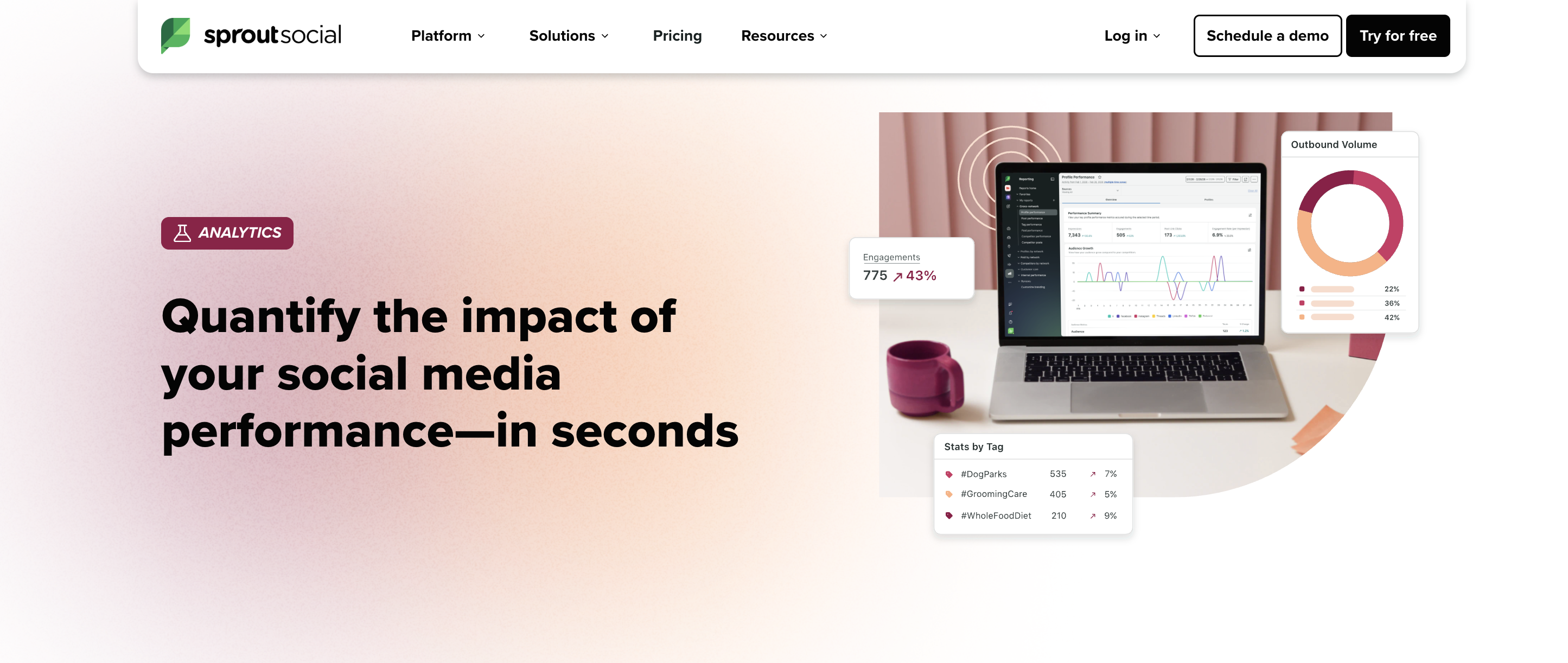
It is commonly used by larger organisations that prioritise reporting, social listening, and campaign coordination at scale.
Best for: enterprise teams that want everything in one premium platform.
Pricing: Standard from $199/seat/month (billed annually). Per-seat, so cost scales with team size.
Platforms: Facebook, Instagram, LinkedIn, Pinterest, Threads, TikTok, X, YouTube, Bluesky, WhatsApp, Reddit, Snapchat.
Honest limitation: per-seat pricing gets expensive fast for larger teams, and it's overkill for a solo creators or smaller teams.
7. Hootsuite – best for multi-network management plus analytics
Hootsuite is the long-standing management platform that bundles scheduling with analytics across many networks. The platform provides customizable dashboards and template-driven reports that make it easy to track cross-channel performance, benchmark against competitors, and demonstrate ROI to stakeholders.
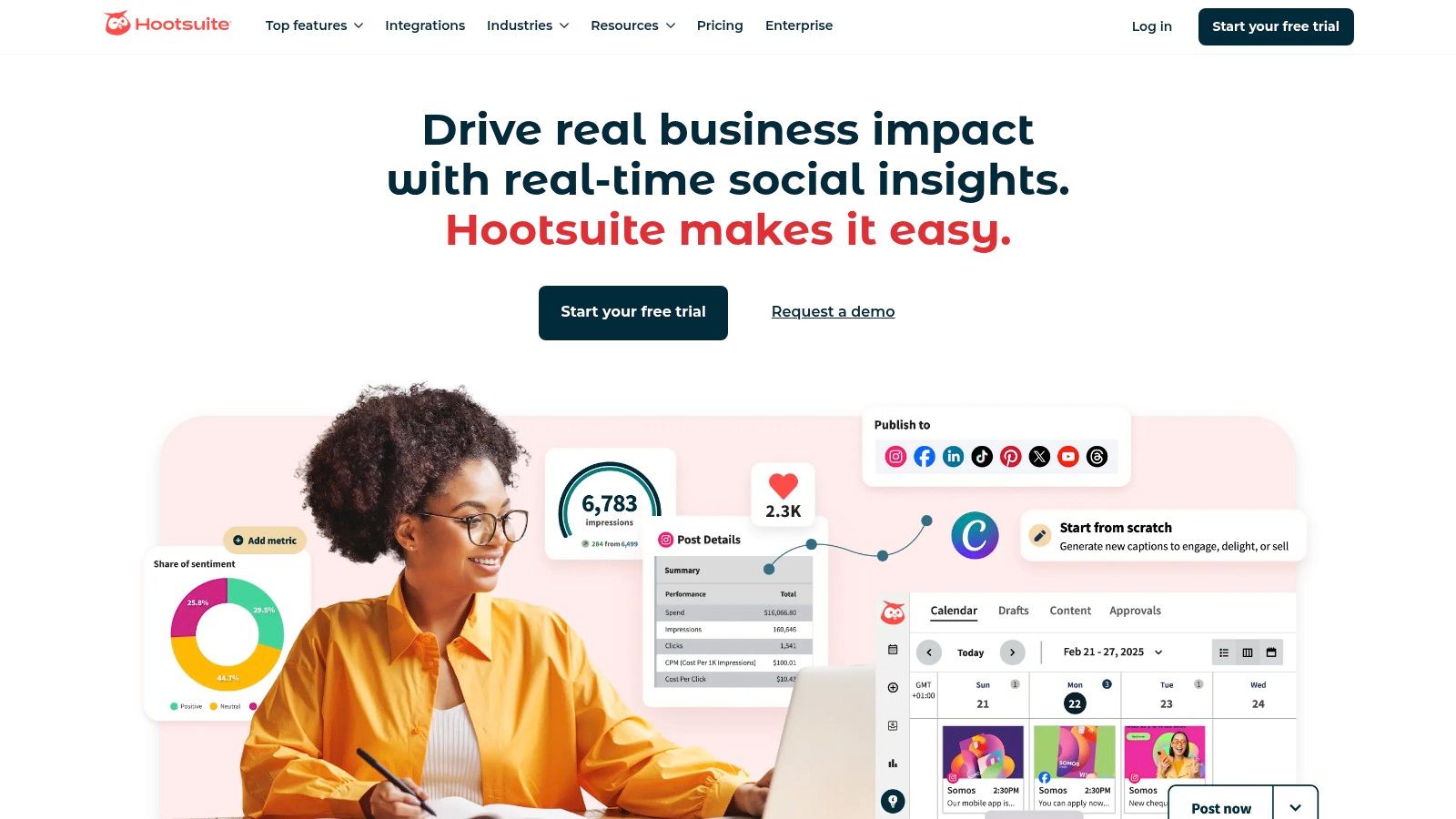
Unlike developer-focused social tools, Hootsuite is built for marketing teams and managers who require a visual interface to monitor key metrics. Its AI-powered features, like recommendations for the best time to post and content insights, help optimize strategy directly within the platform.
Best for: teams managing many accounts that want scheduling and analytics together.
Pricing: Professional from $99/month (1 user, 10 accounts, billed annually).
Platforms: Instagram, Facebook, TikTok, X, LinkedIn, YouTube, Pinterest, Threads, Reddit.
Honest limitation: analytics depth trails specialist tools, and costs climb quickly as you add users and accounts.
8. Iconosquare – best for Instagram-first analytics
Iconosquare built its reputation on deep Instagram analytics and has expanded to other networks. If Instagram is your main channel, it's the product you might wanna test first among the rest.
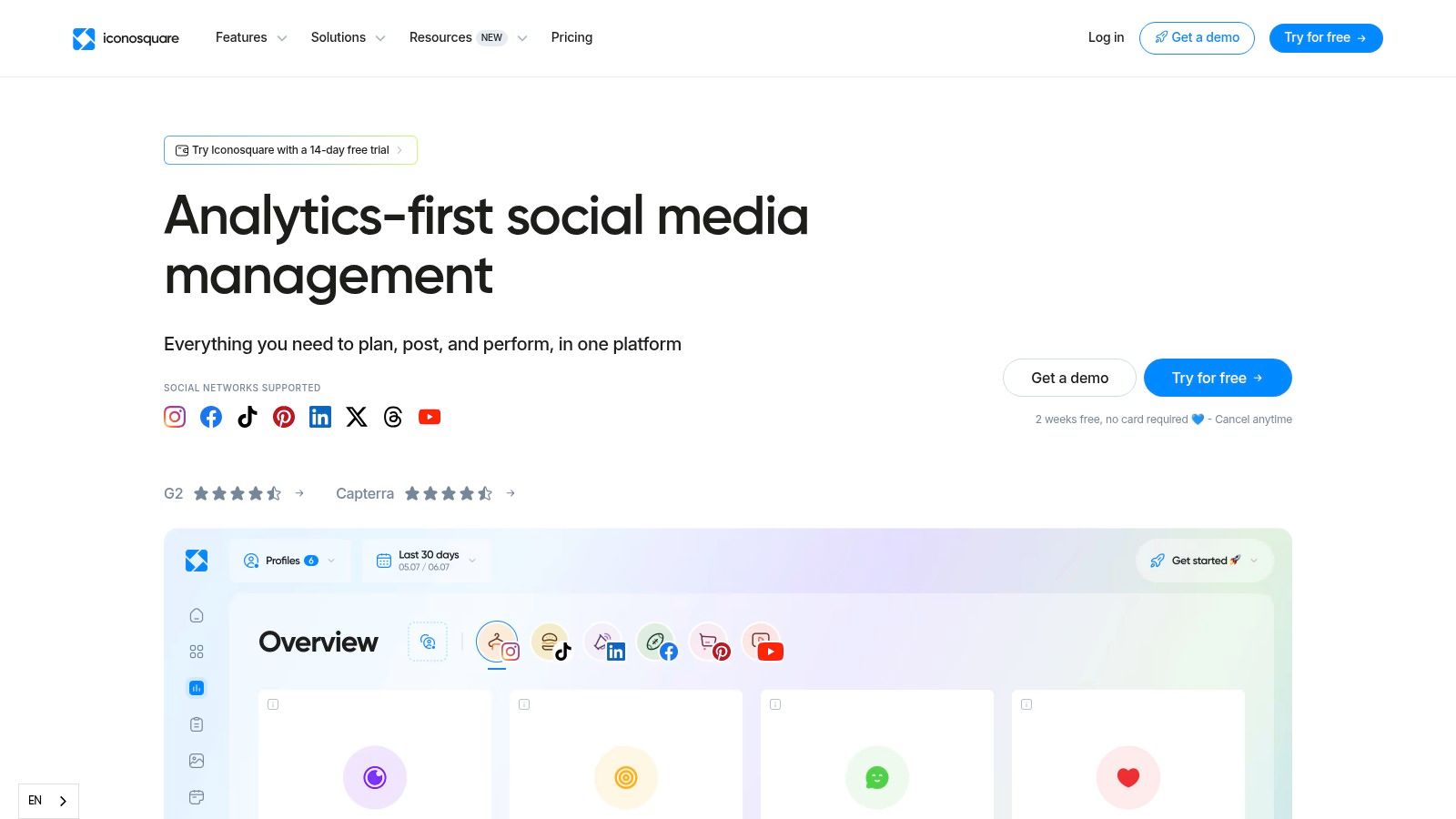
The platform's strength lies in its detailed performance metrics, competitor tracking, and highly customizable reporting features. Iconosquare's competitor analysis tools are particularly robust, allowing you to benchmark your performance against others in your industry and identify opportunities.
Best for: Instagram-focused creators and brands.
Pricing: limited free tier, paid plans from around $33/month up to $116/month.
Platforms: Instagram, Facebook, TikTok, LinkedIn, Pinterest, X, Threads, YouTube (beta).
Honest limitation: strongest on Instagram and Facebook; coverage thins out on newer platforms.
9. Lumen by Talkwalker – best for social listening at scale
Talkwalker is enterprise social listening and analytics. It's less about your own post metrics and more about tracking brand mentions, sentiment, and trends across the whole social web.
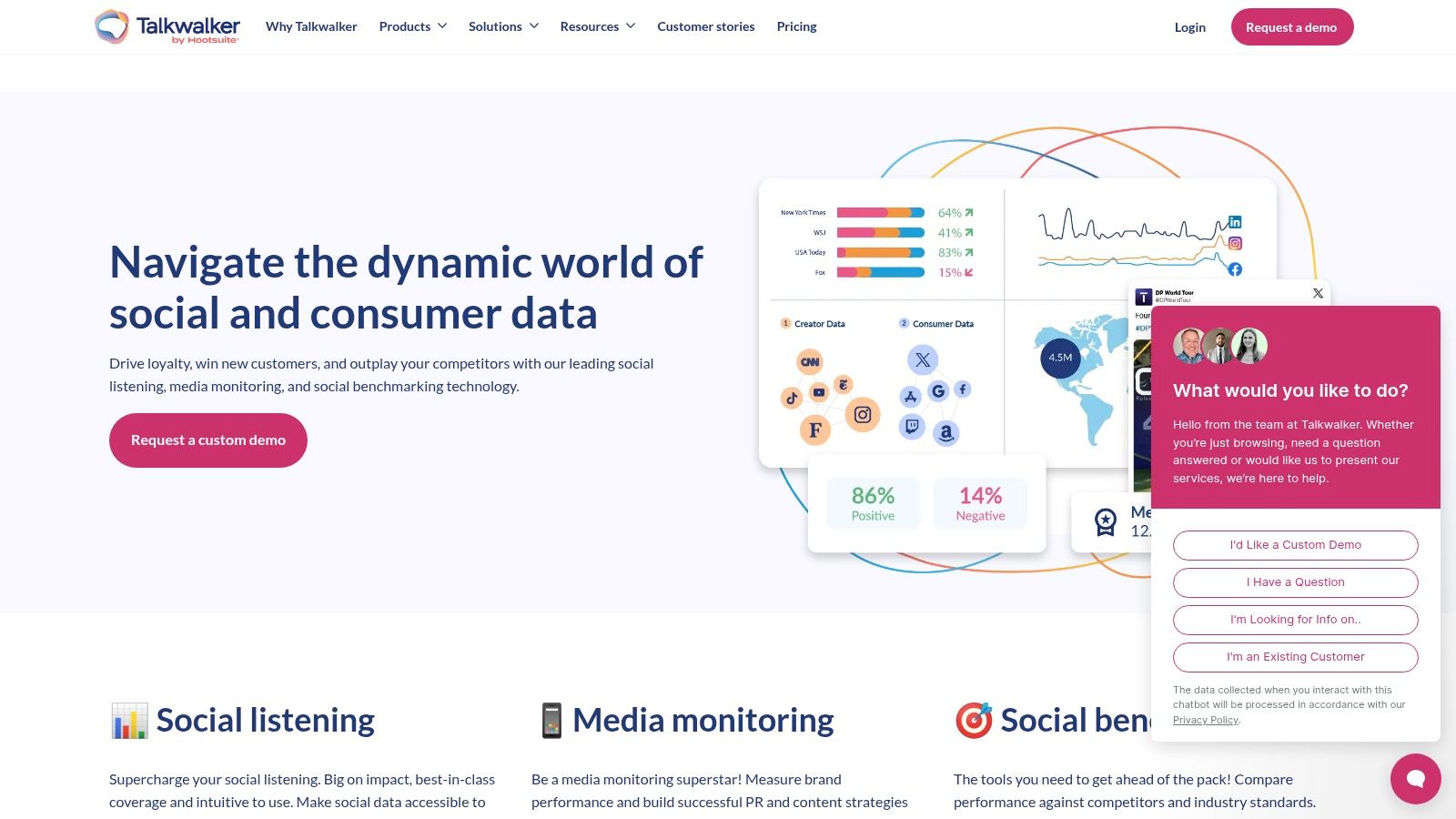
The platform helps teams identify meaningful patterns, potential PR crises, and emerging consumer trends from millions of daily conversations. By combining owned media analytics with earned media monitoring, Talkwalker allows brands to benchmark their performance against competitors.
Best for: large brands doing serious social listening and monitoring.
Pricing: custom, enterprise-level. Not publicly listed; estimates start in the low thousands per year and climb steeply.
Honest limitation: priced and built for big organizations, so it's out of reach for most small teams.
10. Semrush Social – best if you already use Semrush
Semrush Social (the Social Toolkit) adds scheduling and analytics to the Semrush SEO suite. If your team already lives in Semrush, it's a convenient add-on rather than a new subscription.
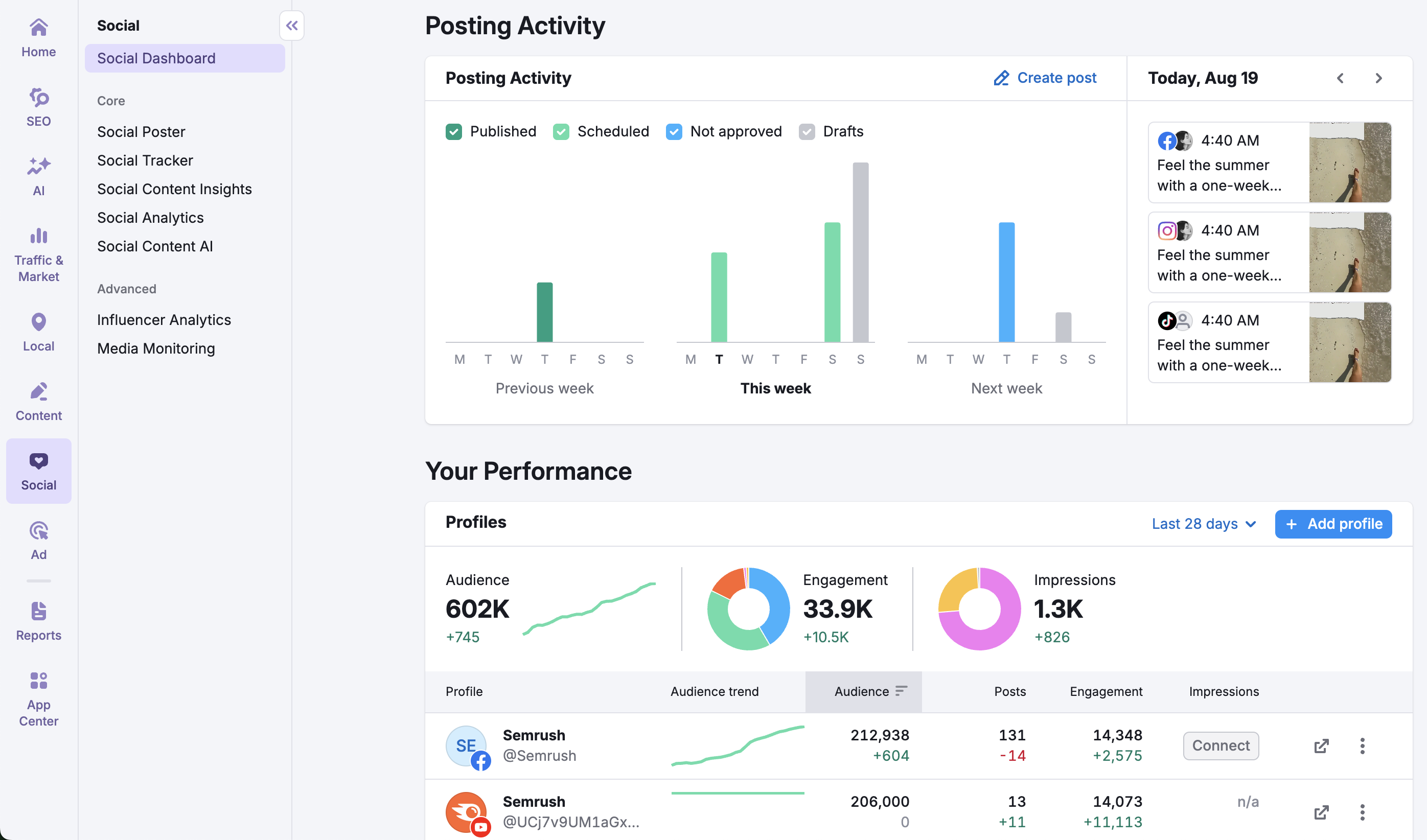
The toolkit provides core analytics features, including audience growth, engagement metrics, and post performance across major platforms. Its key advantage is the ability to benchmark your social performance directly against competitors within the same interface you use for keyword tracking.
Best for: marketers already paying for Semrush.
Pricing: Social Toolkit from around $20-40/month as an add-on to a Semrush plan.
Platforms: Facebook, Instagram, TikTok, LinkedIn, X, Pinterest, YouTube, Google Business Profile.
Honest limitation: analytics are basic next to a dedicated tool, and it only makes sense inside the Semrush ecosystem.
Stop building social integrations from scratch.
One API call to publish, schedule, and manage posts across 15+ platforms.
How do you track social media metrics?
Picking a tool is half the job. Here's how to actually track social media metrics so the data drives decisions instead of piling up.
1. Start with the goal, not the metric. Decide what you're trying to do (grow awareness, drive traffic, generate leads) and let that pick your metrics. Reach matters for awareness; clicks and conversions matter for traffic.
2. Get every platform into one view. This is the real pain. Each network reports metrics differently, so a cross-platform tool (or a unified social media API across all platforms) saves you from stitching spreadsheets together. If you're doing this in code, this is exactly where a social media analytics API earns its keep.
3. Look for the "why," not just the "what." A spike in reach is a number. The reason behind it is a strategy. Dig into which post, format, or time drove the change.
4. Set a cadence you'll keep. Weekly for active campaigns, monthly for a big-picture view. Consistency beats intensity.
5. Turn it into a repeatable report. Manual exports every month don't scale. Either schedule reports inside your dashboard, or if you're building, deliver them automatically through an API on whatever cadence and format you want.
Free vs. paid: which do you actually need?
If you run one or two accounts and just want to see what's working, native platform analytics plus a free tool (Buffer, Social Status, or Iconosquare's free tier) will do the job. Free social media analytics tools cover the basics well.
You need a paid tool when you're managing many accounts, reporting to clients, benchmarking against competitors, or retaining data longer than the platforms allow. You need a social media API like Zernio when the data has to live inside your own product or feed an AI agent, where a dashboard login doesn't help you.
The bottom line
For marketers who report, pick a dashboard: Buffer if you want free and simple, Rival IQ for competitive depth, Sprout Social for enterprise polish. For teams and agents who build on the data, the Zernio analytics API is the layer that matters, because it hands you normalized metrics from every platform in one shape and lets you decide how reports get built and delivered.
FAQ
What is the best social media analytics tool? It depends on the job. For a free all-in-one, Buffer is the easiest start. For competitive benchmarking, Rival IQ. For enterprise reporting, Sprout Social. And if you're building analytics into a product or AI agent, Zernio's API delivers normalized metrics from every social platform through one endpoint.
Is there a free social media analytics tool? Yes. Zernio, Buffer, Social Status, and Iconosquare all offer free tiers.
What is a social media analytics API? A social media analytics API delivers performance data (engagement, reach, follower metrics) directly to your software instead of a dashboard. Zernio's API returns those metrics in the same shape across 16 platforms, so your app or agent can read and act on them without custom integrations for each network.
Can you pull analytics from all your platforms in one place? Yes. Cross-platform tools and analytics APIs both solve this. A dashboard shows every network on one screen; an API like Zernio returns the same metrics from every platform in one normalized structure you can build reports on.
How often should you check social media analytics? Weekly during active campaigns, monthly for a strategic overview. The point is a cadence you'll actually keep, so you spot trends instead of reacting to single posts.